Identifier Access Log
Overview
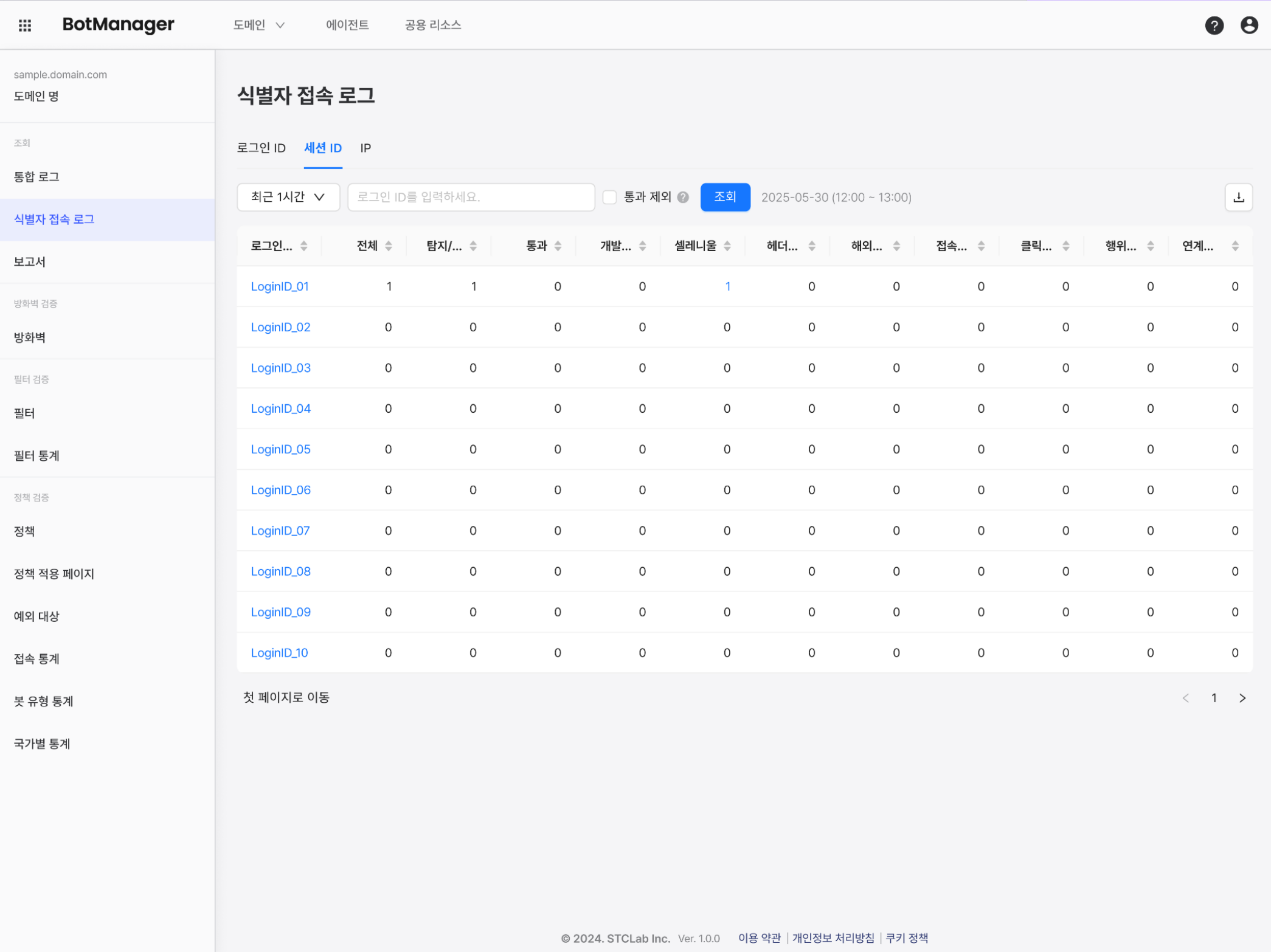
You can filter and view individual user access requests and entry records by identifier attributes (login ID/session ID/IP) specified by the user.
If you check the Exclude Passed button, only identifiers that were detected or blocked are shown.
This is suitable for individual tracking and response, such as identifying users detected as bots or determined to be threatening by administrators, and registering them as bots.
When responding to blocking-related inquiries, use the search function on this page to check user history. You can learn more in the related FAQ.
The log displays the policies that the user violated and the number of violations.
Be careful when responding to related inquiries to prevent abuse.
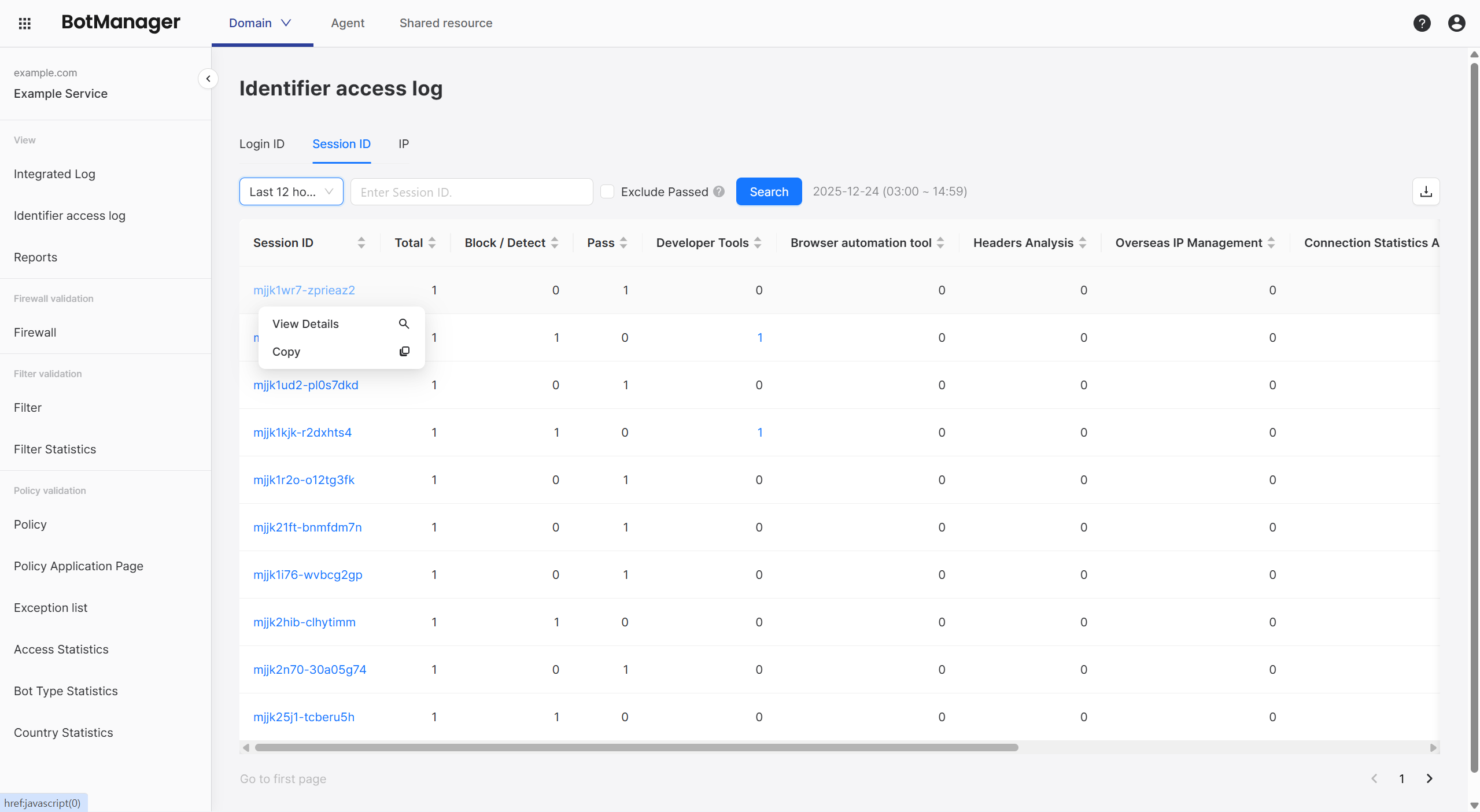
Clicking an item allows you to view the detailed history of that user or copy the item name.
Usage
Login ID
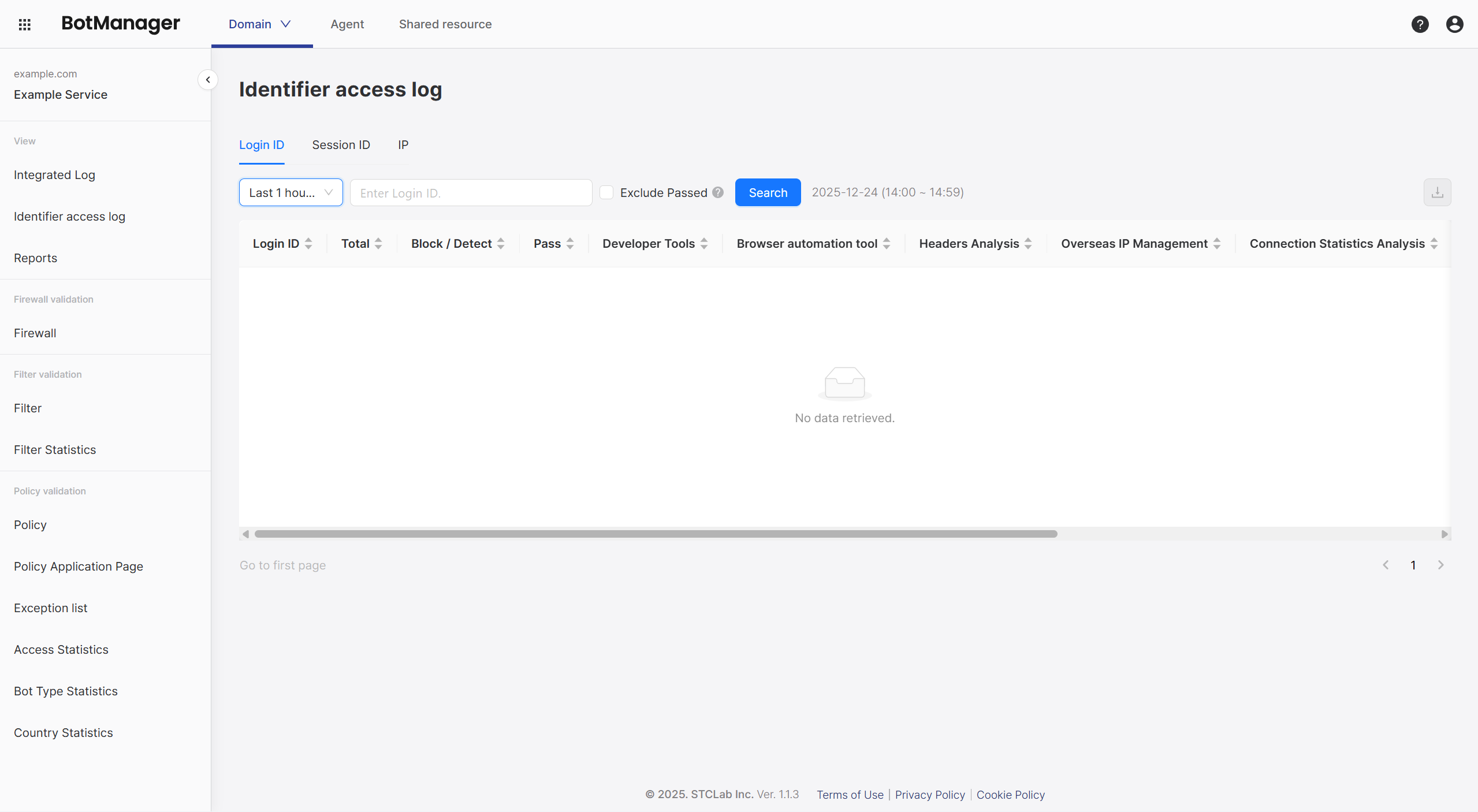
A login ID is the user account session value used when a user accesses a service page or authenticates. (It may not be exposed depending on the service.)
The following is a log filtered by each identifier's login ID.
Session ID
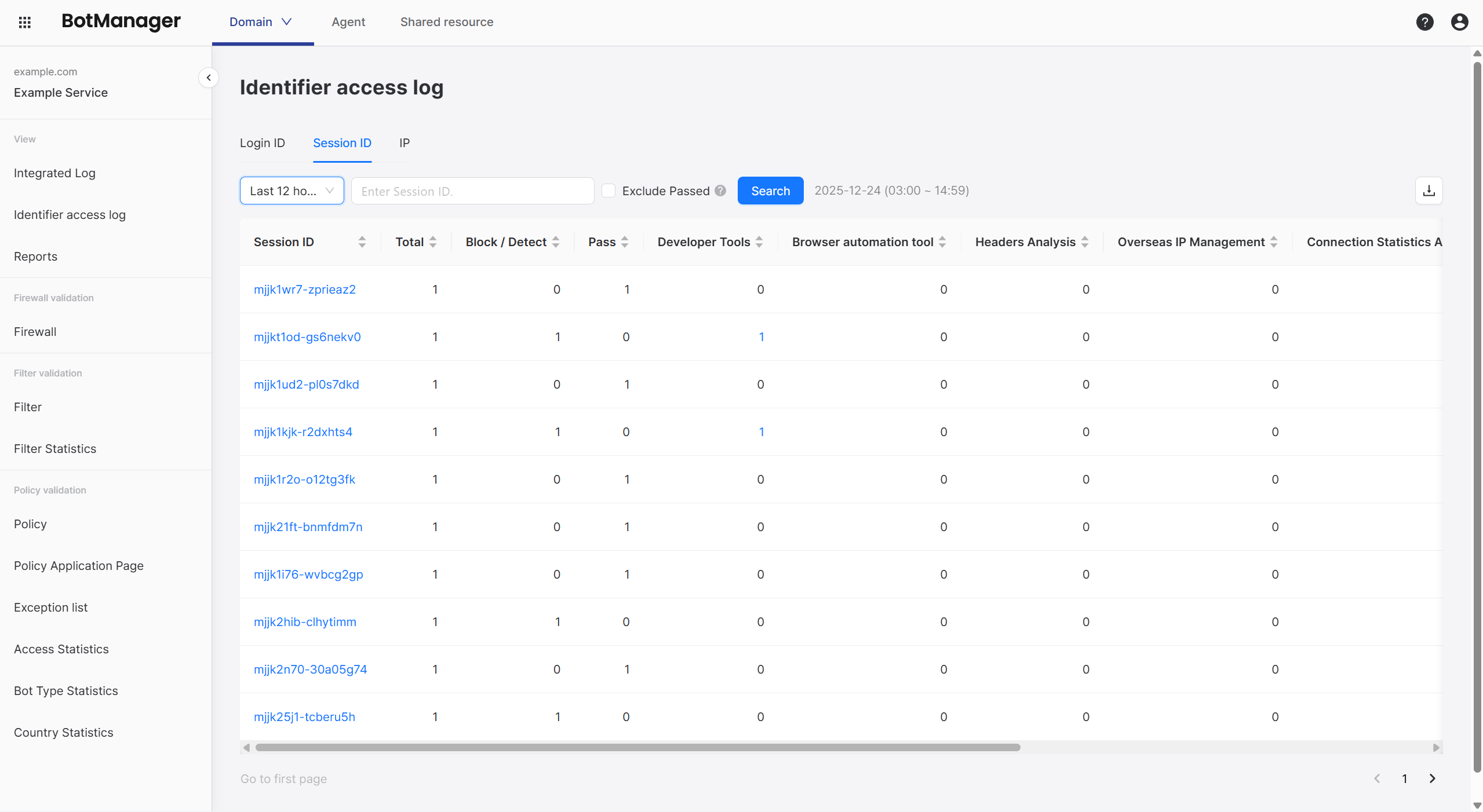
A session ID is a unique value assigned by the service to session each user or request, and unlike a login ID, it is an identifier arbitrarily assigned by BotManager.
The following is a log filtered by each identifier's session ID.
IP
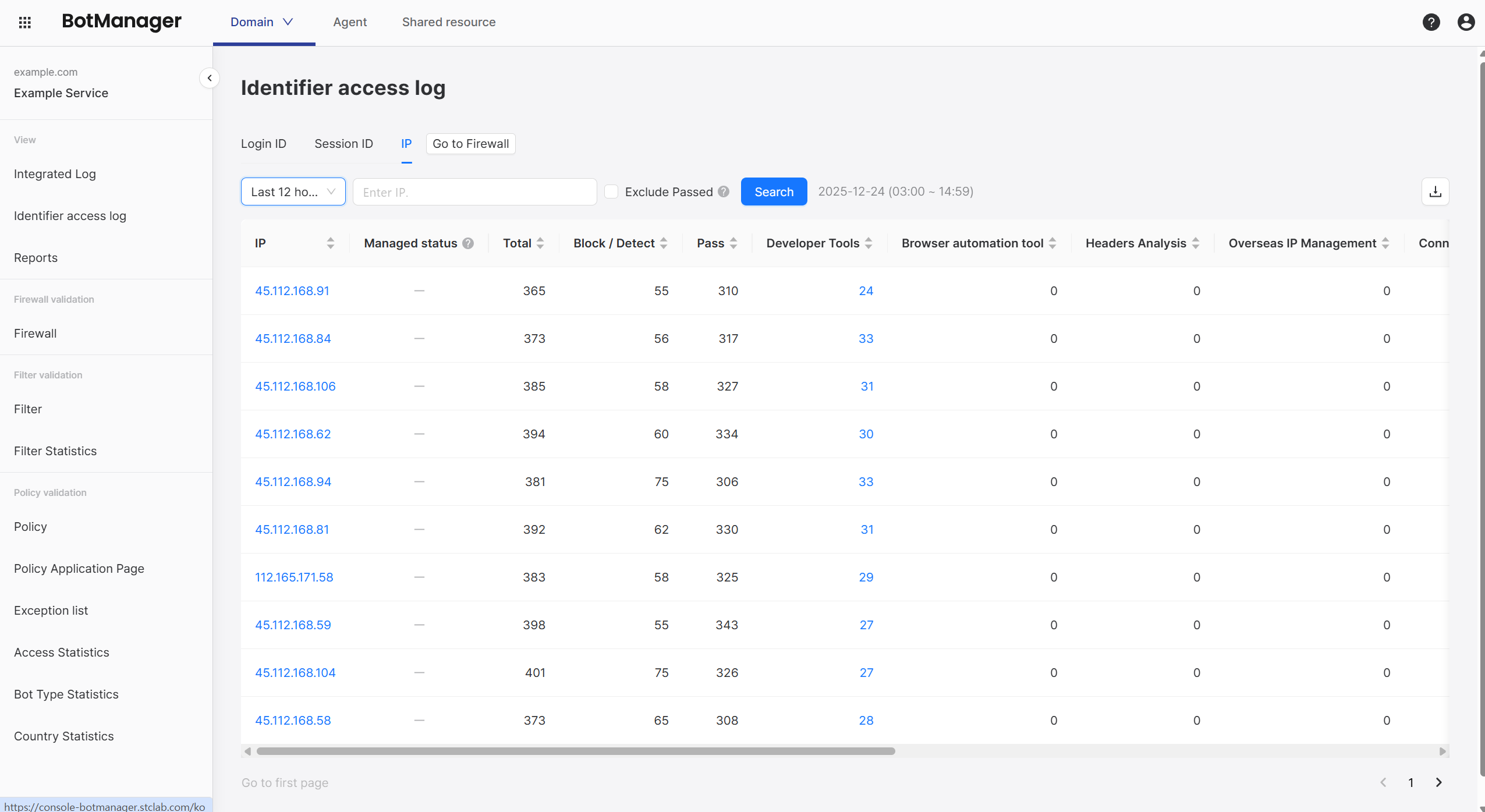
The following is a log filtered by each identifier's IP address.
If you specify the identifier attribute as IP, a Firewall shortcut button appears that allows you to specify targets to block or allow.
In the Current Management Status row, which is only displayed in IP logs, you can check whether that IP is registered in the block list.