Reports
Overview
BotManager provides template-based reports based on Integrated Log data for the period specified by the user.
You can check statistics and analysis of access requests that occurred during a specific period, as well as the results of access requests analyzed as bots.
Create Report
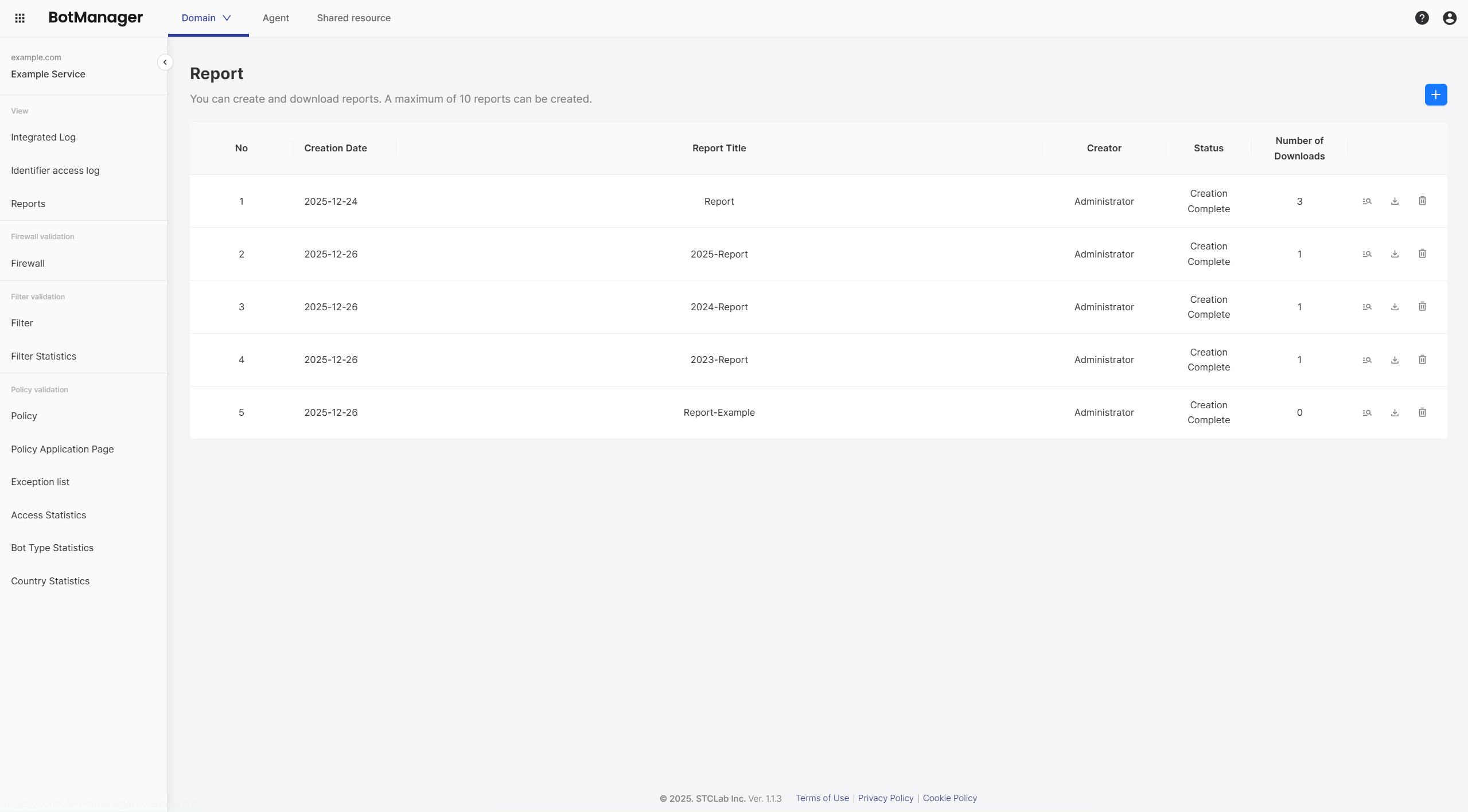
Click the plus button in the section and set the query period and title required for report generation.
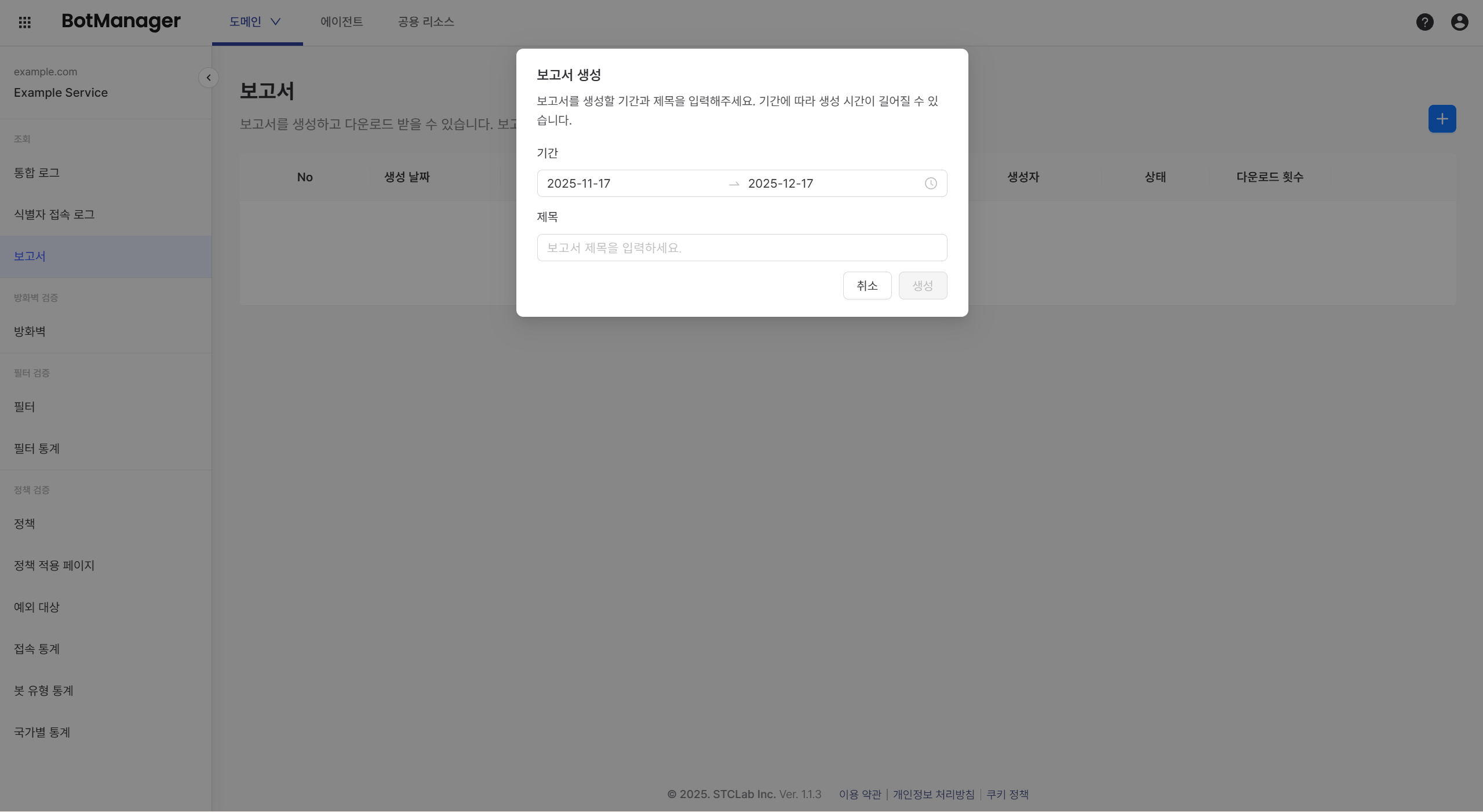
Clicking the Create button adds the report to the report list. If the status shows "Generating" instead of "Completed", the report is not yet ready.
Report generation time may increase depending on the log volume and query period.
Report List
Preview
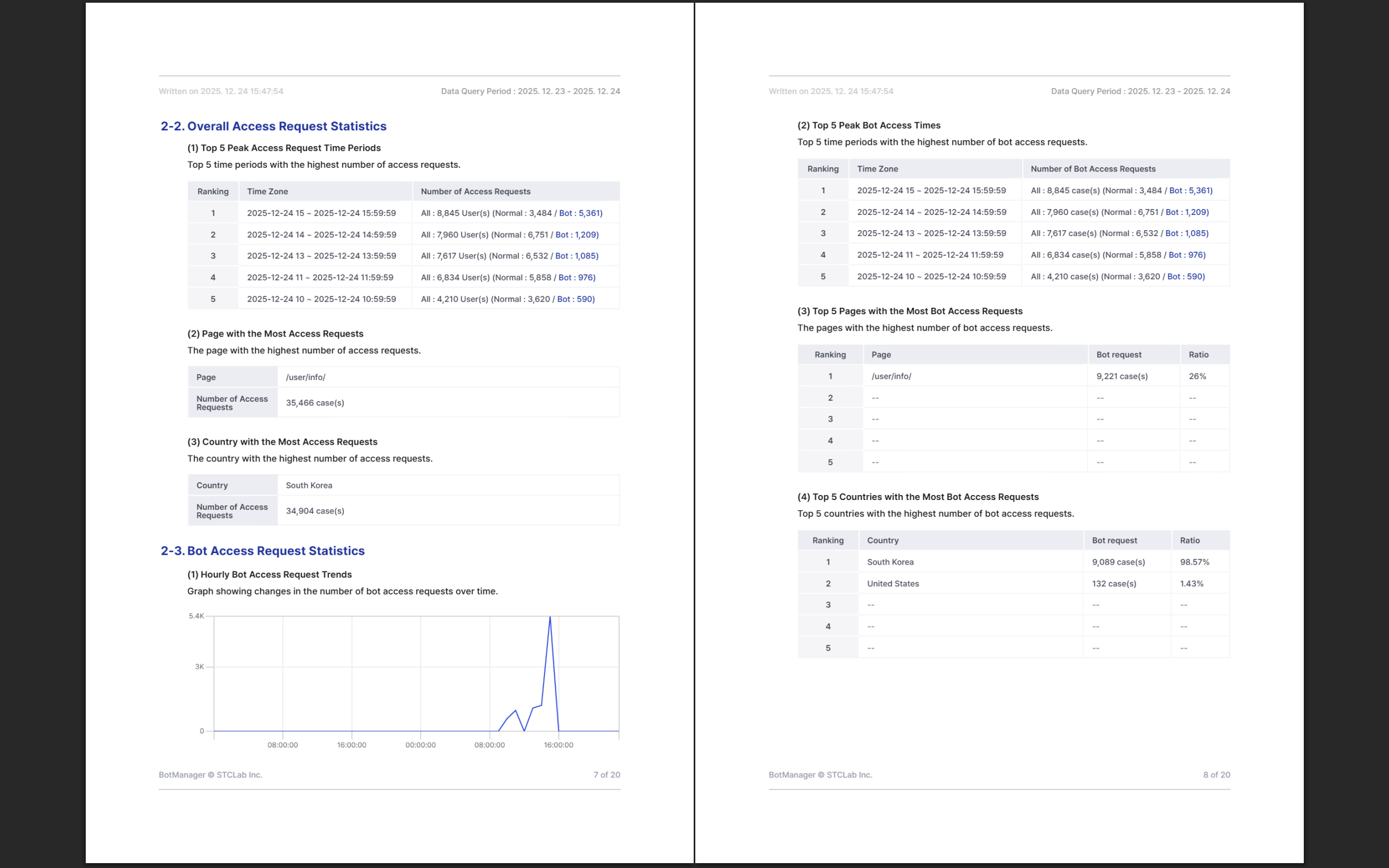
Click the magnifying glass icon to view the generated report without downloading it.
The following is a table of contents showing the structure of the BotManager report template.
Download
Click the download icon to download the generated report as a PDF file.
After downloading, the download count for that report in the list increases by 1.
You cannot perform other actions while downloading a report.
Delete
Click the trash icon to delete a report. Deleted reports cannot be recovered.
Need help? Contact the STCLab technical support team at support@stclab.com.